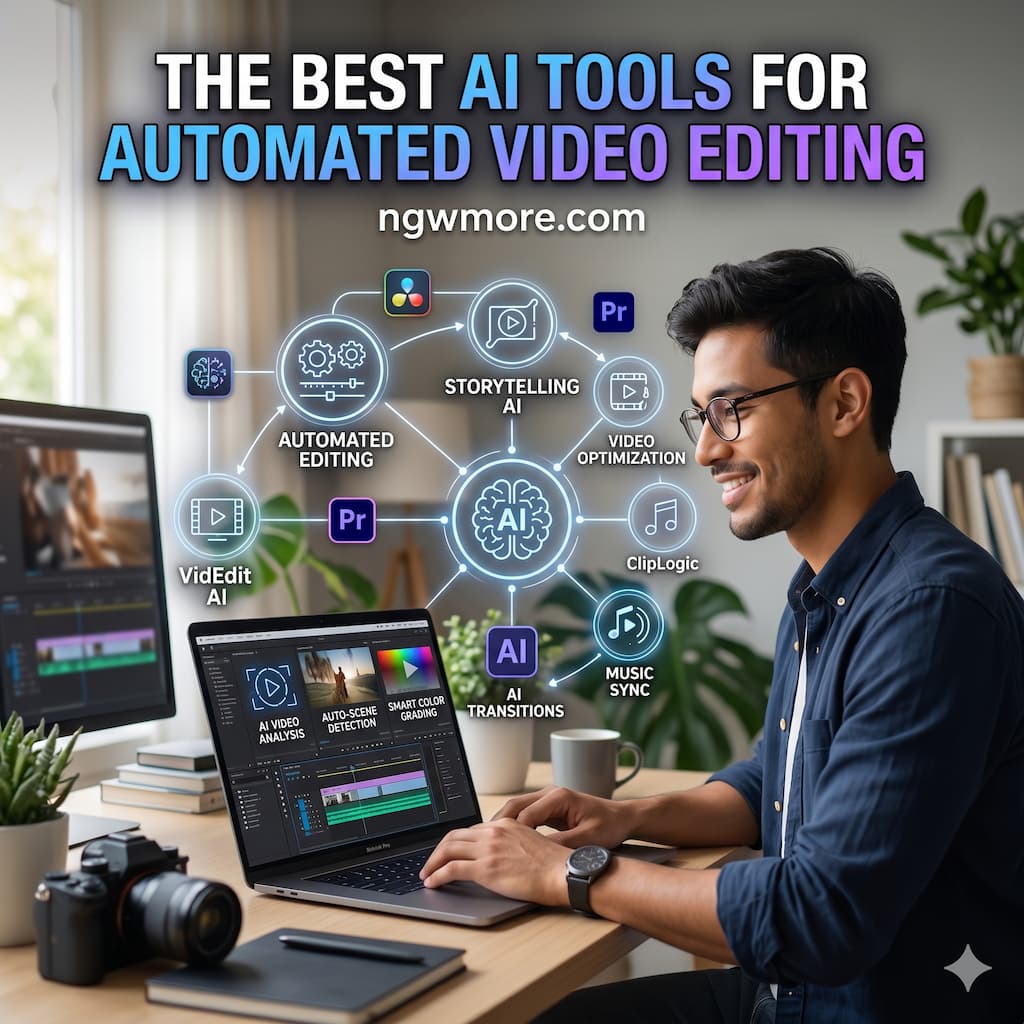
The Best AI Tools for Automated Video Editing
The digital landscape is currently witnessing a massive shift in content consumption. With the rise of short-form platforms and the continuous dominance of YouTube, video has become the universal language of the internet. However, the traditional video editing process—characterized by hours of meticulous cutting, color grading, and audio syncing—is often the biggest bottleneck for creators and entrepreneurs.
Artificial Intelligence is fundamentally changing this dynamic. AI-powered video editing tools are no longer just experimental toys; they are sophisticated engines capable of automating the most tedious parts of the creative process. Whether you are managing an e-commerce brand, a faceless YouTube channel, or a professional blog, leveraging AI can reduce your production time from days to minutes.
In this guide, we will explore the best AI tools for automated video editing available today, categorized by their primary strengths, to help you choose the right one for your workflow.
1. The Power of Generative AI: Transforming Text to Video
One of the most revolutionary aspects of modern AI is the ability to generate entire video sequences from a simple text prompt. This is particularly useful for creators who need high-quality b-roll or consistent visual assets without a camera crew.
Runway (Gen-3 Alpha)
Runway has long been a leader in the AI creative space. Their latest model, Gen-3 Alpha, allows users to generate hyper-realistic video clips using descriptive text. For a blog post or a marketing video, you can describe a scene in detail, and the AI handles the lighting, physics, and cinematography.
- Best for: High-end creative projects and unique b-roll generation.
- Key Feature: “Motion Brush,” which allows you to paint over a static image to dictate exactly which parts should move.
InVideo AI
InVideo AI acts as a co-pilot for creators. You simply give it a topic (e.g., “The History of Bitcoin”), and it will write the script, find relevant stock footage, add a voiceover, and sync everything to background music.
- Best for: Rapidly creating YouTube videos and social media content.
- Key Feature: The ability to edit the video by simply typing commands like “make the scene more cinematic” or “change the voiceover to a British accent.”
2. Intelligent Trimming and Formatting: The Social Media Specialists
If you already have long-form content, such as a podcast or a webinar, the challenge isn’t creating new footage—it’s finding the “viral moments” buried within hours of recording.
Munch
Munch uses advanced AI to analyze long-form videos and extract the most engaging segments. It doesn’t just cut the video; it analyzes current trends on TikTok, Instagram, and YouTube to ensure the clips it picks have a high potential for engagement.
- Best for: Content repurposing and social media growth.
- Key Feature: Automatic captioning and “Auto-Reframe,” which keeps the subject in the center of the 9:16 frame even if the original was shot in 16:9.
OpusClip
Similar to Munch, OpusClip is a powerhouse for “Shorts” creators. It provides a “virality score” for each clip it generates, telling you why a specific segment was chosen and how likely it is to perform well.
- Best for: Creators who want a data-driven approach to social media.
- Key Feature: Active Speaker Detection, ensuring the camera always follows the person talking during a multi-person podcast.
3. AI-Powered Workflow Optimization
Some tools focus on making the standard editing process faster by automating the “boring” parts, like removing silences or generating transcriptions.
Descript
Descript introduced the world to “text-based video editing.” Instead of looking at a complex timeline of audio waves and video blocks, you edit the generated transcript. If you delete a sentence from the text, Descript automatically deletes the corresponding video and audio.
- Best for: Podcasts, tutorials, and talking-head videos.
- Key Feature: “Overdub,” which allows you to create a digital clone of your voice. If you made a mistake in your recording, you can simply type the correct word, and the AI will generate it in your voice.
Wisecut
Wisecut is designed to turn raw footage into a polished “jump-cut” style video. It identifies pauses and “dead air” and removes them instantly. It also manages background music by automatically lowering the volume when someone is speaking (auto-ducking).
- Best for: Vlogs and educational content.
- Key Feature: AI-powered “Punch In/Out” which creates a multi-camera effect using a single 4K shot.
4. Specialized Tools for Marketing and E-commerce
For entrepreneurs running TikTok Shops or e-commerce sites, the focus is on product presentation and conversion.
CapCut (Desktop & Mobile)
While many know CapCut as a simple app, its AI integration is world-class. Its “Auto-Cut” and “AI Script to Video” features are specifically optimized for the TikTok algorithm.
- Best for: TikTok Shop creators and mobile-first editors.
- Key Feature: AI Model integration, where you can place your product on a virtual AI-generated model to showcase clothing or accessories.
5. Why Automation is the Future for Creators
The move toward automated video editing isn’t about replacing human creativity; it’s about removing the barrier to entry. When you automate the technical aspects—the cutting, the syncing, and the formatting—you free up your mind to focus on the strategy and the story.
For a digital entrepreneur, this means:
- Consistency: You can post daily without burning out.
- Scalability: You can manage multiple channels or blogs simultaneously.
- Cost Efficiency: You don’t need a large team of editors to produce high-quality output.
Read More⚡ AI in Healthcare: How Smart Tech is Saving Lives
Conclusion: Which Tool Should You Choose?
The “best” tool depends entirely on your goals:
- If you need social media clips from long videos, go with Munch or OpusClip.
- If you want to generate video from scratch, use InVideo AI or Runway.
- If you are editing talking-head content, Descript is unbeatable.
By integrating these AI tools into your workflow, you aren’t just saving time—you are giving yourself a competitive edge in an increasingly crowded digital market. The future of content is video, and the future of video is AI.
Pro Tip for ngwmore.com readers: Always remember to review AI-generated content. While these tools are incredibly smart, the “human touch”—your unique perspective and brand voice—is what ultimately builds a loyal audience. Happy editing!