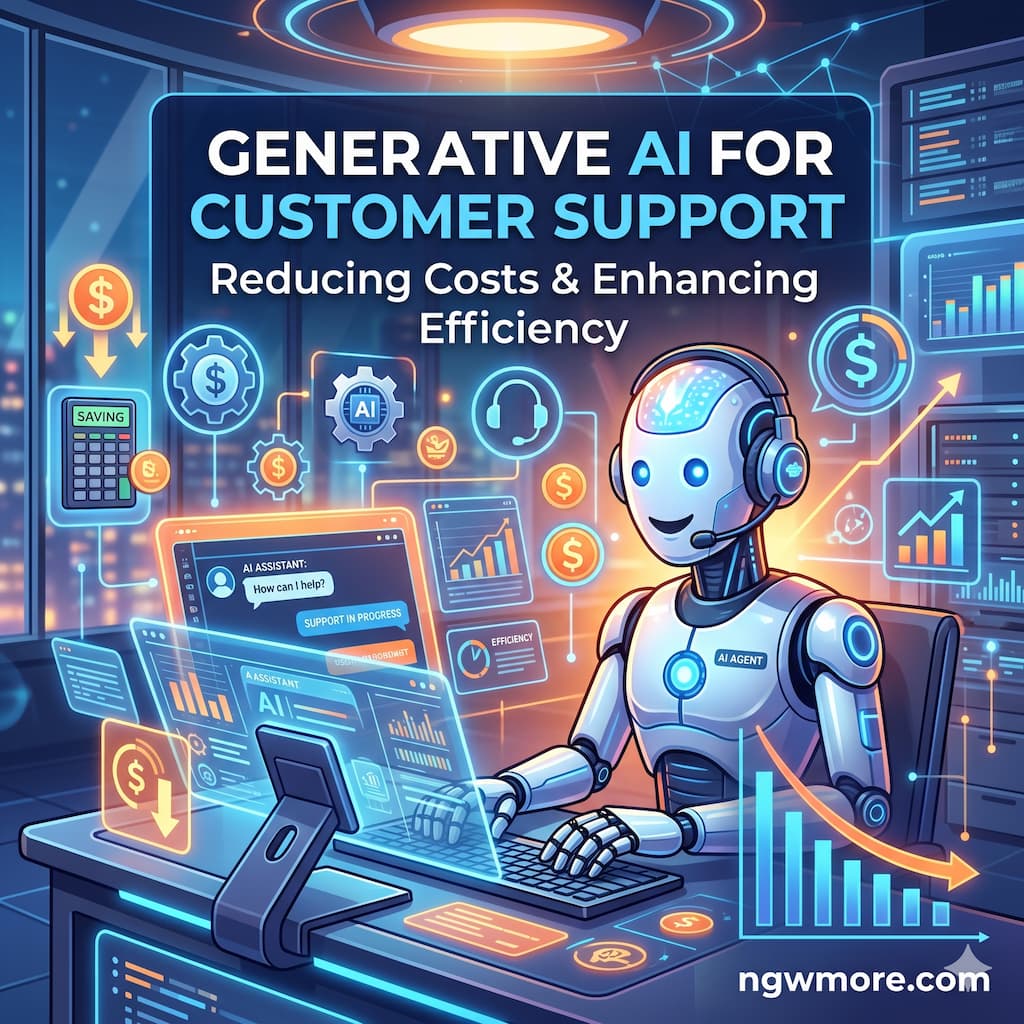
Generative AI for Customer Support: Reducing Costs
In the hyper-competitive digital landscape of 2026, customer support has undergone a radical transformation. For years, businesses viewed support as a necessary “cost center”—a department that drained resources while providing essential but expensive human interaction. However, the maturation of Generative AI (GenAI) has flipped this narrative on its head. Today, support is no longer just about solving problems; it’s about driving efficiency, maintaining brand loyalty, and, most importantly, drastically reducing operational overhead.
For entrepreneurs and e-commerce leaders managing platforms like those seen on ngwmore.com, the integration of GenAI into customer service isn’t just a trend—it’s a survival mechanism. As customer expectations for instantaneous, 24/7 responses reach an all-time high, traditional human-only teams simply cannot scale cost-effectively.
This guide explores the strategic implementation of Generative AI in customer support and how it acts as the ultimate tool for cost reduction in 2026.
1. The Economics of Support: Humans vs. AI Agents
To understand why GenAI is the go-to solution for cost reduction, we must look at the traditional “Cost Per Ticket” (CPT). In a standard human-led environment, CPT includes wages, benefits, office space, training, and turnover costs. As a business scales, these costs grow linearly—more customers mean more agents.
Enter the AI Agent.
In 2026, we distinguish between a simple “chatbot” and an AI Agent. While chatbots follow rigid scripts, GenAI Agents use Large Language Models (LLMs) to understand context, nuance, and intent.
- Scalability: An AI Agent can handle 10,000 concurrent conversations as easily as one. The marginal cost of the 10,001st ticket is virtually zero.
- Availability: AI doesn’t require overtime pay, holiday bonuses, or night shifts. It provides 24/7/365 coverage for a flat subscription or API fee.
- Instant Resolution: By resolving Tier 1 queries (e.g., “Where is my order?”, “How do I reset my password?”, “What is your return policy?”) without human intervention, GenAI reduces the volume of tickets reaching expensive human specialists by up to 80%.
2. Retrieval-Augmented Generation (RAG): Accuracy Without the Price Tag
One of the early fears of using AI in support was “hallucination”—the AI making up facts or promising discounts that didn’t exist. In 2026, this has been solved through Retrieval-Augmented Generation (RAG).
RAG allows the GenAI to “search” your company’s specific, private data (knowledge bases, PDFs, past tickets, and product manuals) before generating an answer. It doesn’t rely on its general training data; it relies on your truth.
How RAG Reduces Costs:
- Reduced Training Time: You no longer need to spend weeks onboarding new staff on complex product catalogs. You simply upload your documentation to the RAG system, and the AI “knows” everything instantly.
- Decreased Error Rates: Because the AI is tethered to your documentation, the risk of incorrect information (which leads to costly follow-up tickets or returns) is minimized.
- Autonomous Updates: When you update a product feature or a shipping policy, you update one document. The AI Agent adapts immediately across all channels.
3. Boosting Human Productivity: The AI Co-pilot
Cost reduction isn’t just about replacing humans; it’s about making the humans you do have five times more effective. This is the “Co-pilot” model.
When a complex issue (Tier 2 or Tier 3) is escalated to a human agent, GenAI works in the background to:
- Summarize the History: Instead of the agent reading through a 20-message thread, the AI provides a three-bullet summary of the problem and what has already been tried.
- Draft Responses: The AI suggests three possible replies based on company tone and past successful resolutions. The agent simply reviews, tweaks, and hits send.
- Auto-Tagging and Categorization: AI handles the “clerical” work of updating the CRM, tagging the ticket for the product team, and closing the loop.
By reducing the “Average Handle Time” (AHT), companies can manage much larger customer bases without increasing their headcount.
4. Breaking the Language Barrier: Zero-Cost Localization
For e-commerce stores and global tech platforms, providing support in multiple languages used to mean hiring regional teams or expensive translation agencies.
In 2026, GenAI provides real-time, native-level translation. A customer can ask a question in Japanese, the AI translates it for a Portuguese-speaking agent (or resolves it autonomously), and replies in perfect Japanese.
- Cost Impact: You no longer need to pay a premium for bilingual agents or maintain separate support silos for different countries. You can run a global operation from a single home office or a small centralized hub.
5. Proactive Support: Stopping Tickets Before They Are Created
The most cost-effective ticket is the one that never happens. GenAI is now being used for Predictive Support.
By analyzing user behavior in real-time, AI can spot a customer who is struggling with a checkout page or a technical setup.
- The AI Intervention: The AI can trigger a proactive pop-up: “I noticed you’re having trouble applying that discount code. Would you like me to fix it for you?”
- Outcome: The customer completes the purchase, stays happy, and never feels the need to send an angry email to your support team.
6. Implementation Strategy: How to Start Reducing Costs
If you are looking to implement these strategies for your digital business, follow this 2026 roadmap:
Step 1: Audit Your FAQ
Identify the top 10 questions that consume 60% of your team’s time. These are your first candidates for AI automation.
Step 2: Choose the Right Stack
In 2026, platforms like Intercom (Fin AI), Zendesk AI, or custom solutions built on OpenAI’s GPT-4o or Claude 3.5 are the industry standards. They offer “out-of-the-box” RAG capabilities that connect directly to your WordPress or Shopify site.
Step 3: Define the Brand Voice
AI doesn’t have to be cold. Program your AI to reflect the personality of your brand—whether that’s professional, witty, or supportive.
Step 4: Monitor and Refine
Use AI to analyze its own performance. GenAI can review its conversations and suggest where the documentation is lacking, allowing you to constantly improve the “Brain” of your support system.
7. Comparison Table: Traditional vs. AI-Driven Support (2026)
| Feature | Traditional Support | GenAI Support (2026) |
| Availability | 8–10 hours/day | 24/7/365 |
| Response Time | Minutes to Hours | Under 2 Seconds |
| Scaling Cost | High (New hire per X users) | Low (Static API/Platform fee) |
| Language Support | Limited/Expensive | 100+ Languages (Included) |
| Consistency | Variable (Human dependent) | 100% (Policy dependent) |
| Data Insights | Manual/Monthly Reports | Real-time/Autonomous Analysis |
8. The “Wildcard”: The Empathy Paradox
A common critique of AI in support is that it lacks “soul.” However, in 2026, the data shows an interesting trend: customers often prefer an efficient AI to a stressed human.
When an AI resolves a technical issue in 30 seconds at 2:00 AM on a Sunday, the customer perceives that as “caring” more than a human agent who takes 24 hours to reply with a template. By automating the routine, you save your human agents’ “emotional labor” for the moments that truly require it—high-stakes disputes or deep creative collaborations.
Read More⚡ AI-Driven SEO: How to Rank Your Blog in 2026
Conclusion: Investing in the Future of ngwmore.com
The transition to Generative AI for customer support is not just about saving money; it’s about reallocating human intelligence to where it matters most. For the modern digital entrepreneur, every dollar saved on routine support is a dollar that can be invested back into SEO, product development, or marketing.
As we move through 2026, the gap between businesses that use AI to support their customers and those that don’t will only widen. By embracing these tools now, you are building a scalable, resilient, and highly profitable infrastructure for the years to come.
Summary Checklist for Business Owners:
- Integrate RAG: Ensure your AI is reading your actual manuals, not just guessing.
- Enable Co-pilots: Don’t just automate; empower your human staff to work faster.
- Analyze Sentiment: Use AI to flag frustrated customers for immediate human intervention.
- Monitor ROI: Track your CPT (Cost Per Ticket) monthly to see the impact of your AI implementation.
Final Thought: Customer support is the frontline of your brand. In the era of AI, the most successful brands will be those that use technology to be more available, more accurate, and more human—not less.