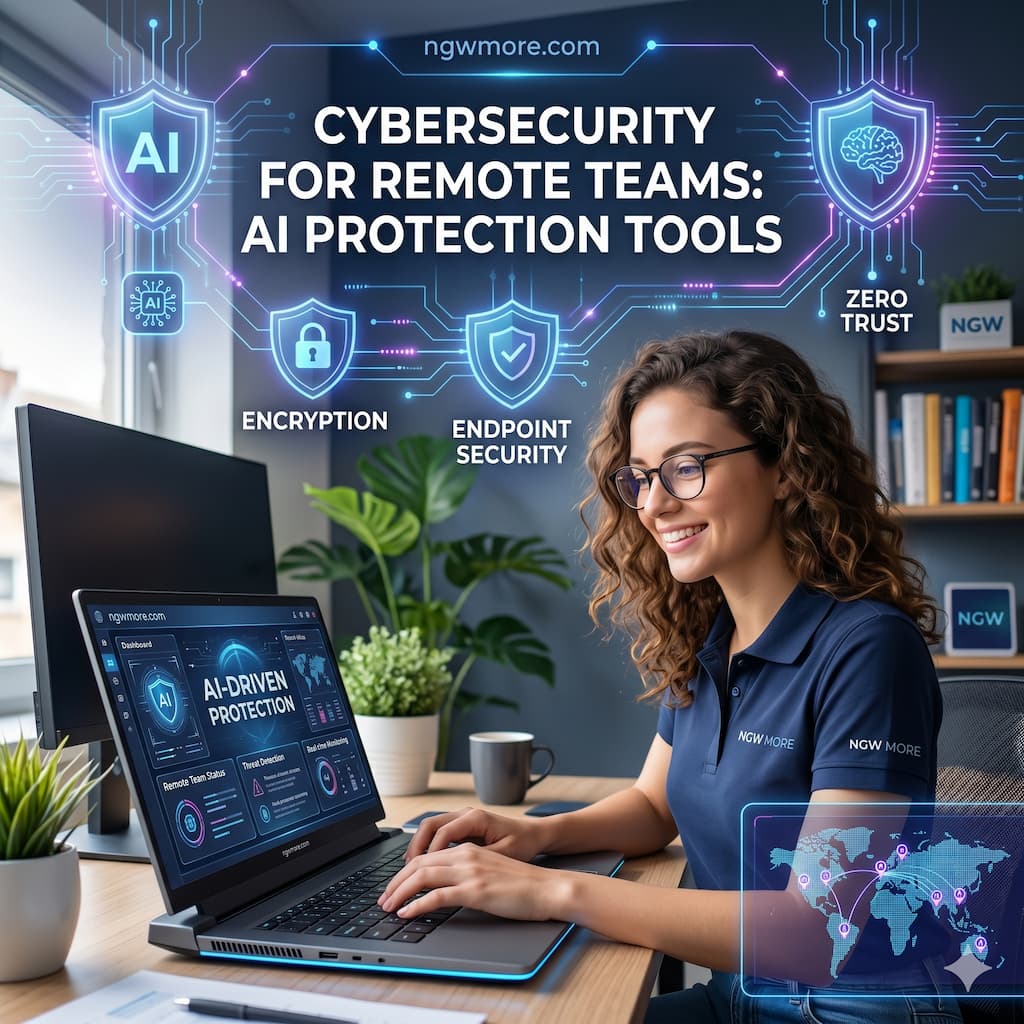
Cybersecurity for Remote Teams: AI Protection Tools
The modern workplace has undergone a radical transformation. What was once a temporary adjustment has become the permanent reality: the “office” is now anywhere with a stable internet connection. However, this flexibility comes with a massive trade-off. As teams decentralize, the traditional corporate perimeter—the “firewall moat” that once protected local servers—has effectively vanished.
In 2026, remote teams are the primary targets of sophisticated, AI-driven cyber threats. From deepfake voice phishing to automated vulnerability scanning, attackers are using machine learning to bypass legacy security. To fight back, organizations must fight fire with fire. AI protection tools are no longer optional extras; they are the essential backbone of a secure remote infrastructure.
The New Threat Landscape: Why AI is Mandatory
Before diving into the tools, we must understand why 2026 is a turning point for remote security. Traditional antivirus software relies on “signatures”—it looks for known patterns of bad code. But modern malware is polymorphic; it changes its own code to avoid detection. Furthermore, human error remains the weakest link, and AI-powered social engineering is making it harder than ever for employees to spot a fake.
Remote teams face three unique vulnerabilities:
- Unsecured Networks: Home Wi-Fi and public hotspots lack the enterprise-grade monitoring of a corporate office.
- Shadow IT: Employees using unauthorized personal apps or AI assistants to “be more productive,” inadvertently leaking sensitive company data.
- Identity Spoofing: Attackers using generative AI to mimic a CEO’s voice in a WhatsApp message or a video call to authorize fraudulent wire transfers.
Essential AI Protection Categories for 2026
To secure a remote workforce, you need a multi-layered defense strategy. Here are the categories where AI is making the biggest impact.
1. AI-Driven Endpoint Detection and Response (EDR)
An “endpoint” is any device—laptop, tablet, or smartphone—used by your team. EDR tools act as a silent digital bodyguard on every device.
- CrowdStrike Falcon: A leader in the space, CrowdStrike uses “Charlotte AI,” a generative AI analyst. It allows your IT team to ask natural language questions like, “Show me all suspicious activities on the marketing team’s laptops from last night,” and provides instant, accurate triage.
- SentinelOne Singularity: This tool focuses on “Autonomous Protection.” It doesn’t wait for a human to click “Block.” If it detects a ransomware attempt, it can autonomously isolate the device and even “roll back” the encrypted files to their original state using AI-stored snapshots.
2. Self-Learning Email Security
Phishing is still the #1 entry point for breaches. Modern AI tools don’t just block bad links; they understand the context of your communication.
- Darktrace / EMAIL: Instead of looking for “bad” emails, Darktrace uses unsupervised machine learning to learn what “good” looks like for every single employee. It understands your typical writing style, who you usually talk to, and what time you usually send emails. If an email arrives that looks like it’s from your boss but uses slightly different phrasing or asks for something unusual, the AI flags it as a potential “social engineering” attempt.
- Abnormal Security: This platform uses AI to map the “Identity Behavior” of your entire organization. It blocks advanced attacks like Business Email Compromise (BEC) by detecting subtle anomalies that traditional filters miss.
3. AI-Enhanced Zero Trust Access
The old model was “Trust, but Verify.” The new model, essential for remote work, is “Never Trust, Always Verify.”
- Zscaler Zero Trust Exchange: As teams move across different networks, Zscaler uses AI to assess the risk of every single connection attempt in real-time. It looks at the user’s location, the health of their device, and the sensitivity of the data they are trying to access. If a developer usually logs in from Lisbon but suddenly tries to access a database from a suspicious IP in another country, the AI triggers an immediate multi-factor authentication (MFA) challenge or blocks the request entirely.
The Rise of AI Security Copilots
One of the biggest challenges for remote-first startups and entrepreneurs is the lack of a massive, 24/7 Security Operations Center (SOC). This is where Security Copilots change the game.
Microsoft Security Copilot and Google Cloud Security AI Workbench act as force multipliers. They can summarize complex security incidents into plain English, suggest the exact steps to fix a vulnerability, and even write the code needed to automate a response. For a small team, this is like having a senior security researcher on call 24/7 at a fraction of the cost.
How to Implement AI Security: A Remote Team Roadmap
Transitioning to an AI-first security posture doesn’t have to happen overnight. Here is a practical roadmap for remote teams:
- Audit Your Surface: Identify every device and cloud application your team uses. You cannot protect what you cannot see.
- Prioritize Identity: Start by implementing AI-powered MFA. Identity is the new perimeter. If an attacker can’t steal a functional identity, they can’t get in.
- Consolidate Tools: Avoid “tool sprawl.” Choose platforms that integrate multiple functions (like Acronis, which combines backup with AI-driven EDR) to simplify management.
- Educate via AI: Use AI-driven simulation tools to “test” your employees. Send them fake (but safe) AI-generated phishing emails. If they click, the tool provides immediate, bite-sized training on what they missed.
Read More⚡ The Best AI Graphic Design Tools for 2026
Conclusion: The Future is Secure, but Intelligent
Cybersecurity in 2026 is an arms race. As attackers use AI to scale their efforts, remote teams must use AI to automate their defense. The tools mentioned above—from CrowdStrike to Darktrace—provide a level of protection that was physically impossible just five years ago.
For the readers of ngwmore.com, the message is clear: flexibility shouldn’t come at the cost of security. By adopting AI protection tools, you aren’t just checking a box for compliance; you are ensuring that your business, your data, and your team can continue to innovate from anywhere in the world, safely.
Quick Comparison of Top AI Security Tools
| Tool | Category | Best For | Key AI Feature |
| CrowdStrike Falcon | Endpoint (EDR) | Enterprises | Charlotte AI (Gen-AI analyst) |
| Darktrace | Email & Network | Advanced Phishing | “Immune System” behavioral learning |
| SentinelOne | Endpoint (EDR) | Ransomware Protection | AI-driven “Rollback” of infected files |
| Zscaler | Zero Trust | Cloud Access | Real-time AI risk scoring for connections |
| Acronis | All-in-One | SMBs & Startups | Combined backup and AI threat detection |
Final Thought: Don’t wait for a breach to realize your legacy firewall isn’t enough. The best time to secure your remote team with AI was yesterday; the second best time is today.