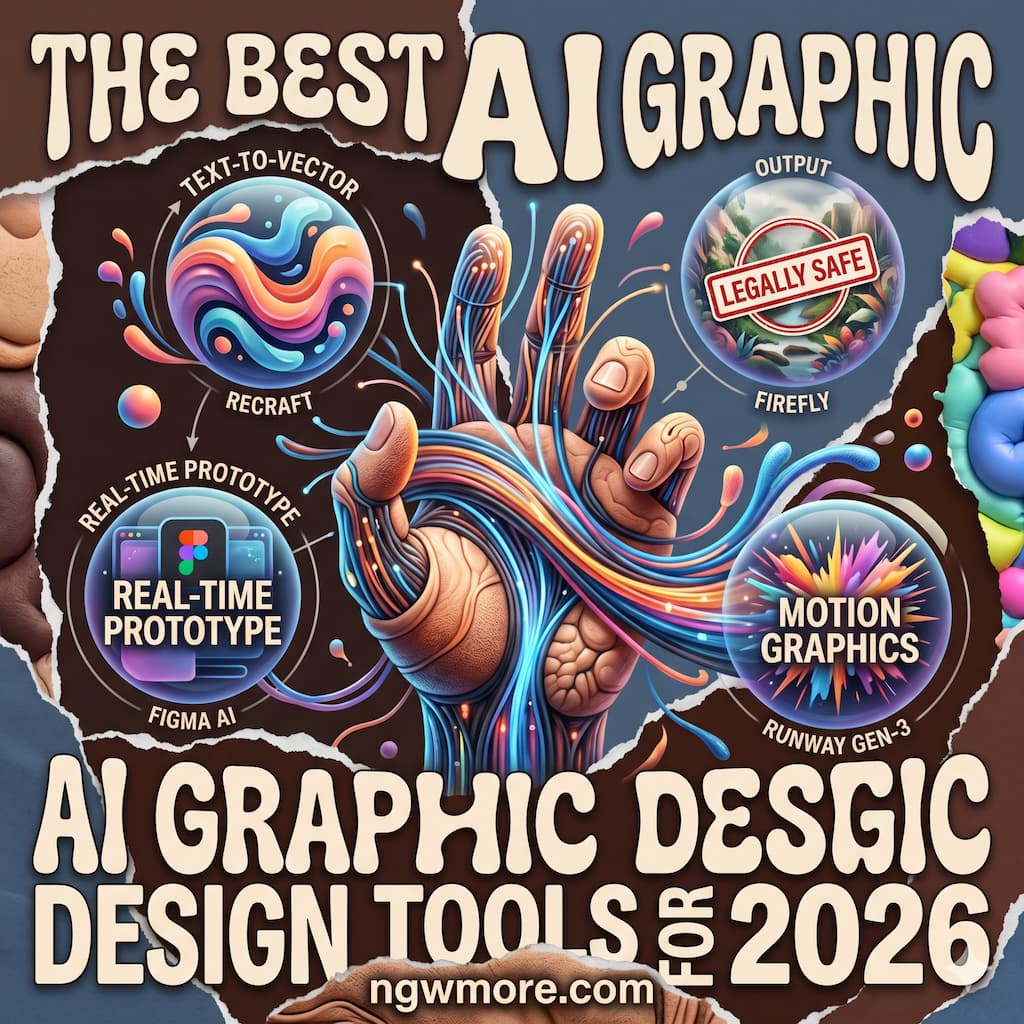
The Best AI Graphic Design Tools for 2026
The visual landscape of 2026 is unrecognizable compared to just a few years ago. We have officially moved past the era of “static templates” and entered the age of Generative Design Systems. For creative professionals and entrepreneurs at ngwmore.com, the question is no longer whether you should use AI in your workflow, but which specific AI ecosystem will give you the competitive edge in a world of instant content.
In 2026, graphic design is no longer about moving pixels manually; it is about curating intent. The tools we use today are capable of understanding brand DNA, predicting visual trends, and generating high-fidelity assets in seconds. Whether you are building a TikTok Shop brand like “SuperAchado” or managing a network of professional blogs, these are the essential AI graphic design tools defining the industry this year.
1. The Powerhouse Ecosystems: Beyond the Canvas
In 2026, the leading tools have evolved into “Agentic Design Partners.” They don’t just wait for your instructions; they suggest improvements and maintain brand consistency across thousands of assets automatically.
Adobe Firefly 4.0 & Creative Cloud
Adobe has maintained its dominance by deeply integrating AI into the professional’s “muscle memory.” In 2026, Firefly 4.0 has moved beyond simple image generation into Vector-Native Intelligence.
- Text-to-Vector 2.0: Designers can now generate complex, scalable SVG illustrations that are fully editable. The AI understands “Path Logic,” meaning the vectors it creates are clean and professional, not just a mess of nodes.
- Contextual Generative Fill: It doesn’t just add objects to a photo; it understands the lighting, depth, and texture of the original shot with 99% accuracy.
- Project Music to Visuals: A new feature in 2026 allows designers to upload a music track, and Firefly suggests a color palette and motion rhythm that matches the audio’s emotional profile.
Canva Magic Studio 2026
Canva has successfully bridged the gap between the amateur and the pro. In 2026, its Magic Studio is powered by “Nano Banana 2” (Gemini 3 Flash Image) technology, making it the most accessible AI design tool on the market.
- Magic Switch & Scale: You can design a single Instagram post, and with one click, the AI generates 50 variations optimized for YouTube thumbnails, TikTok covers, and WordPress banners—all while adjusting the layout to fit the platform’s specific “visual weight.”
- Brand Shield: For businesses, Canva’s AI now acts as a gatekeeper. If a team member tries to use a font or color that isn’t in the brand kit, the AI automatically suggests a correction.
2. Professional Image Generation: Photorealism and Beyond
When you need a “hero image” for a blog post or a high-fidelity product shot for an e-commerce site, these tools are the gold standard in 2026.
Midjourney v7: The Artist’s Choice
Midjourney remains the king of aesthetic quality. In 2026, v7 has solved the “Text in Image” problem perfectly.
- Hyper-Realism: The “uncanny valley” is gone. Midjourney now handles human anatomy, complex reflections, and micro-textures (like the weave of a fabric or the condensation on a glass) flawlessly.
- Web Interface Dominance: No longer tethered primarily to Discord, the Midjourney web platform offers a “Pro Canvas” where you can outpaint, inpaint, and “remix” styles with a drag-and-drop interface.
- Style Consistency (Personal Models): In 2026, you can train a “Mini-Model” on your own brand’s aesthetic. Once trained, every image generated will look like it was shot by the same photographer.
Midjourney Alternative: DALL-E 4 (OpenAI)
Integrated directly into the ChatGPT Plus ecosystem, DALL-E 4 excels at semantic accuracy. If you give it a highly complex, 200-word prompt with specific spatial instructions, DALL-E 4 will follow it to the letter. It is the best tool for conceptualizing ideas where “logical placement” is more important than “artistic flair.”
3. Specialist Tools: Layout, UI/UX, and Typography
Graphic design isn’t just about images; it’s about the relationship between space, text, and function.
Uizard & Galileo AI: The UI/UX Revolution
For the tech-focused readers at ngwmore.com, building app interfaces has never been faster.
- Prompt-to-Product: In 2026, you can describe a “SaaS dashboard for server management” and Galileo AI will generate a multi-page, high-fidelity Figma file.
- Screenshot-to-Edit: You can take a screenshot of any website, upload it to Uizard, and the AI will turn it into an editable wireframe. This is a game-changer for competitive research and rapid prototyping.
Kittl: The Master of Typography and Merchandise
If you are designing t-shirts, logos, or posters, Kittl is the specialist tool of 2026.
- AI Quote Generator: Stuck on what to put on a poster? Kittl’s AI generates catchy, niche-specific quotes and automatically applies beautiful, complex typography layouts to them.
- Texture Overlays: It automatically suggests and applies “vintage” or “distressed” textures based on the era of the design you are creating.
4. 3D and Motion: The New Frontier
In 2026, static images are often not enough to capture attention. The “Graphic Designer” of today must also be a “Motion Designer.”
Luma Dream Machine & Sora: Video for Socials
These tools allow you to turn a static graphic into a high-definition 5-second “cinemagraph” or video.
- Product in Motion: For a TikTok Shop, you can take a photo of a product and use Luma to animate it, showing it from multiple angles or in a lifestyle setting without ever picking up a camera.
- Background Extension: If your video is in portrait mode but you need it for a landscape YouTube video, these AI tools can “fill in” the sides of the video with perfectly matching scenery.
Spline AI: 3D for the Web
Spline has made 3D design as easy as 2D. You can type “A futuristic 3D server icon with glowing blue lights” and Spline will generate an interactive 3D object that you can embed directly into your WordPress site.
5. Strategic Workflow: The “Human + AI” Tech Stack
How do you choose the right tools for your specific needs? In 2026, we recommend a “Modular Stack” approach.
For the Content Manager (The “Agile” Stack)
- Canva: For daily social media and fast-turnaround graphics.
- Midjourney: For high-impact hero images for blog posts.
- ChatGPT (DALL-E 4): For rapid brainstorming and conceptual sketches.
For the Professional Designer (The “Power” Stack)
- Adobe Creative Cloud: For final high-resolution production and vector work.
- Figma + Galileo AI: For UI/UX and web design projects.
- Luma/Sora: For adding motion to brand identities.
6. The Ethics of Design in 2026: Authenticity and IP
As we discuss these incredible tools on ngwmore.com, we must address the “Elephant in the Server Room”: Copyright and Originality.
- The “Watermark” Standard: In 2026, almost all AI-generated content contains an invisible “C2PA” watermark. This helps identify the origin of the image and protects against deepfakes.
- Ethical Datasets: The tools listed above (particularly Adobe and Canva) use “commercially safe” datasets, meaning the artists whose work trained the AI are compensated through contributor funds.
- The “Human Edge”: AI can generate a thousand beautiful images, but it cannot understand Cultural Context or Strategic Empathy. The best designs of 2026 are those where a human provided the “soul” and the AI provided the “labor.”
7. Looking Ahead: What’s Next for Design?
By the end of 2026, we expect to see the rise of “Living Brand Identities.” Imagine a logo that subtly changes its shape or color based on the time of day, the current weather, or the mood of the person viewing the website. This “Liquid Design” will be powered by real-time AI agents, making your brand feel like a living, breathing entity.
Read More⚡ AI in Supply Chain: Predictive Tools for Global Trade
Conclusion: The Era of the “Full-Stack Creator”
The barrier to entry for high-end graphic design has been completely leveled. In 2026, you don’t need a four-year degree in fine arts to create world-class visuals; you need a deep understanding of the AI Tech Stack and a clear creative vision.
At ngwmore.com, we believe that these tools aren’t replacing designers; they are liberating them. They are taking away the “grind”—the hours spent masking hair, aligning layers, and resizing banners—and giving back the time for Big Ideas.
The future of design is fast, intelligent, and infinitely creative. Which tool will you use to build it?